Problem & Overview
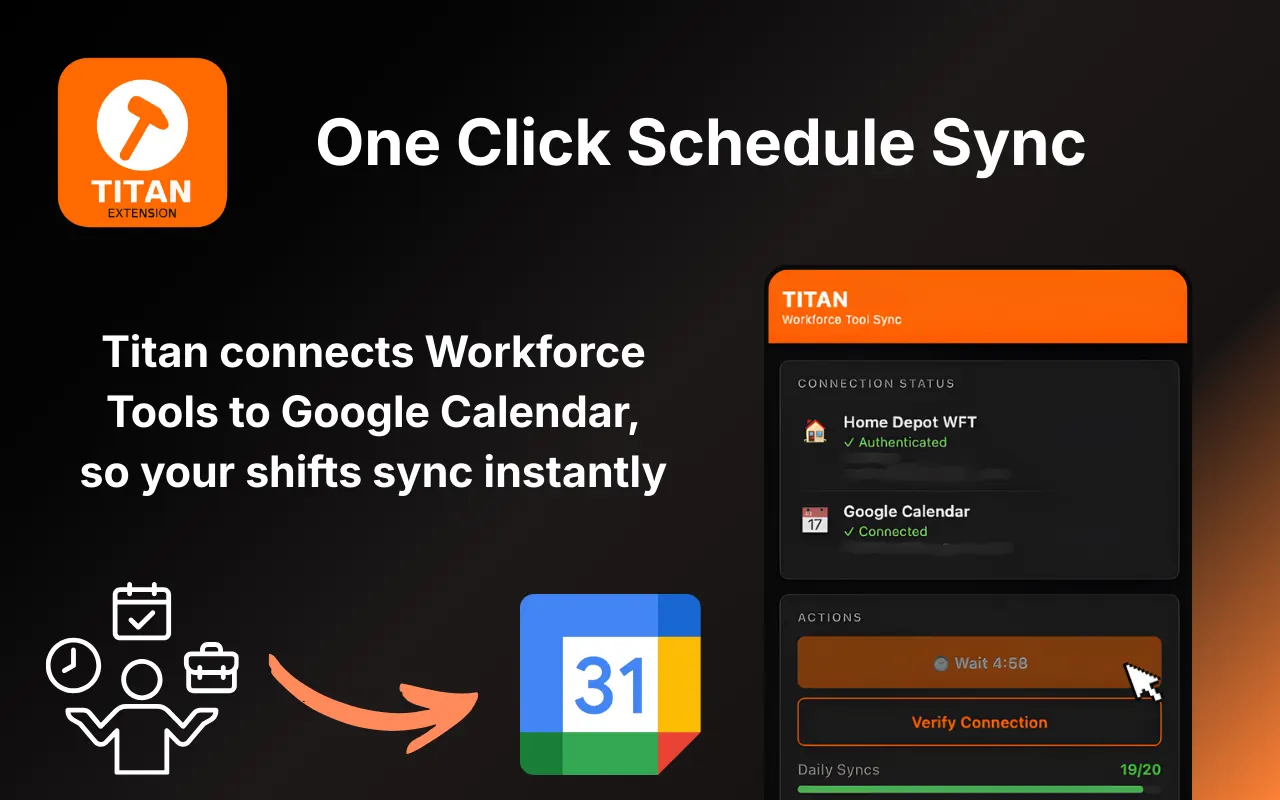
Home Depot associates using Workforce Tools have no built-in way to sync their schedules to a personal calendar. That leaves employees manually copying shifts one by one, a repetitive process that is easy to forget and frustrating to repeat whenever a schedule changes.
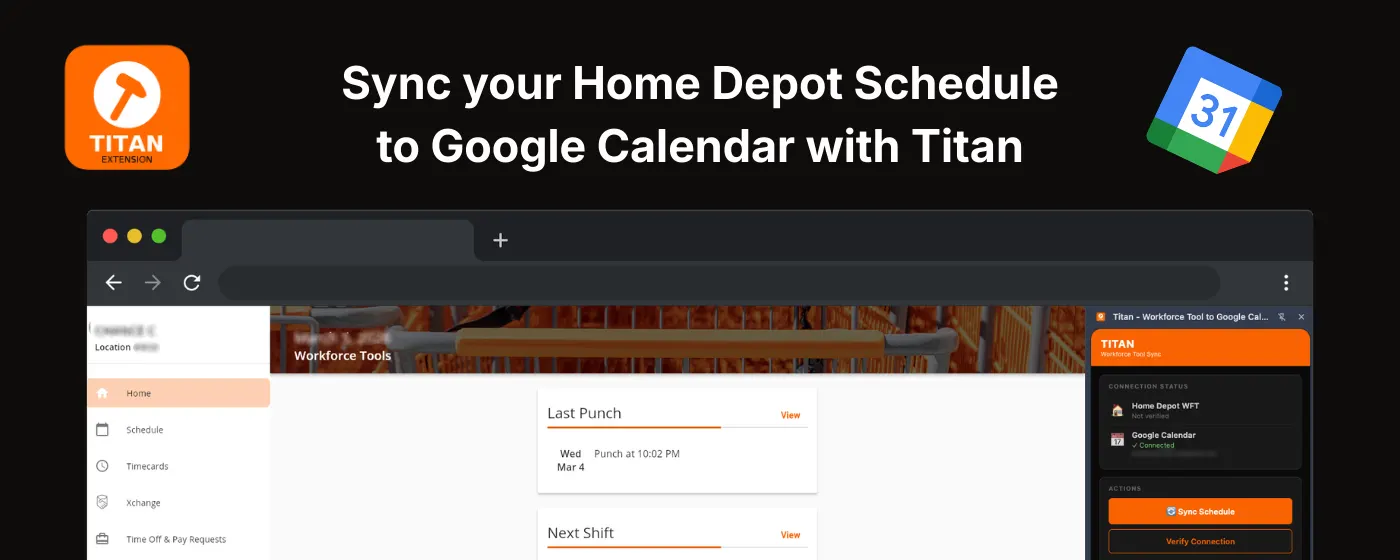
Titan solves that friction directly in the browser. Once installed, it reads the Workforce Tools schedule page, structures each shift, and syncs events to the user’s Google Calendar in just a few clicks. Instead of re-entering work schedules by hand, users get a faster and more reliable way to keep their calendars up to date.
The project has two connected parts: a browser extension that handles schedule detection and calendar sync, and a companion website that explains the product, builds trust, and drives installs.
User Flow
The experience was designed to feel lightweight, fast, and simple after the first setup.
- Install Titan from the Chrome Web Store.
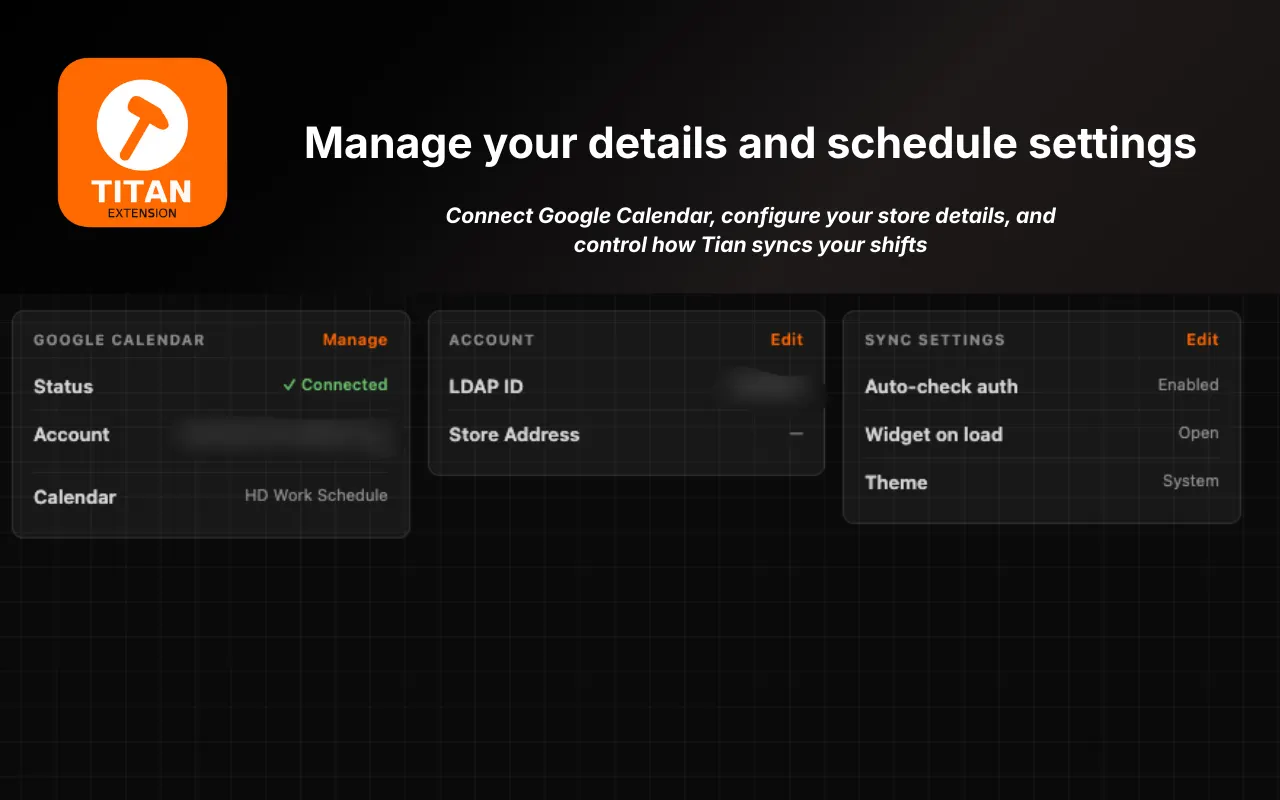
- Connect Google Calendar through OAuth 2.0 with only the required calendar permissions.
- Open the Workforce Tools schedule page in the browser.
- Launch Titan from the side panel and click Sync.
- Titan reads the visible schedule, creates or updates calendar events, and confirms the result.
After setup, repeat syncs take just one click. Titan reuses the authorized token until it expires or the user revokes access, keeping the flow convenient without requiring repeated sign-ins.
Key Features
- Direct schedule parsing - reads shift data directly from the Workforce Tools page inside the browser.
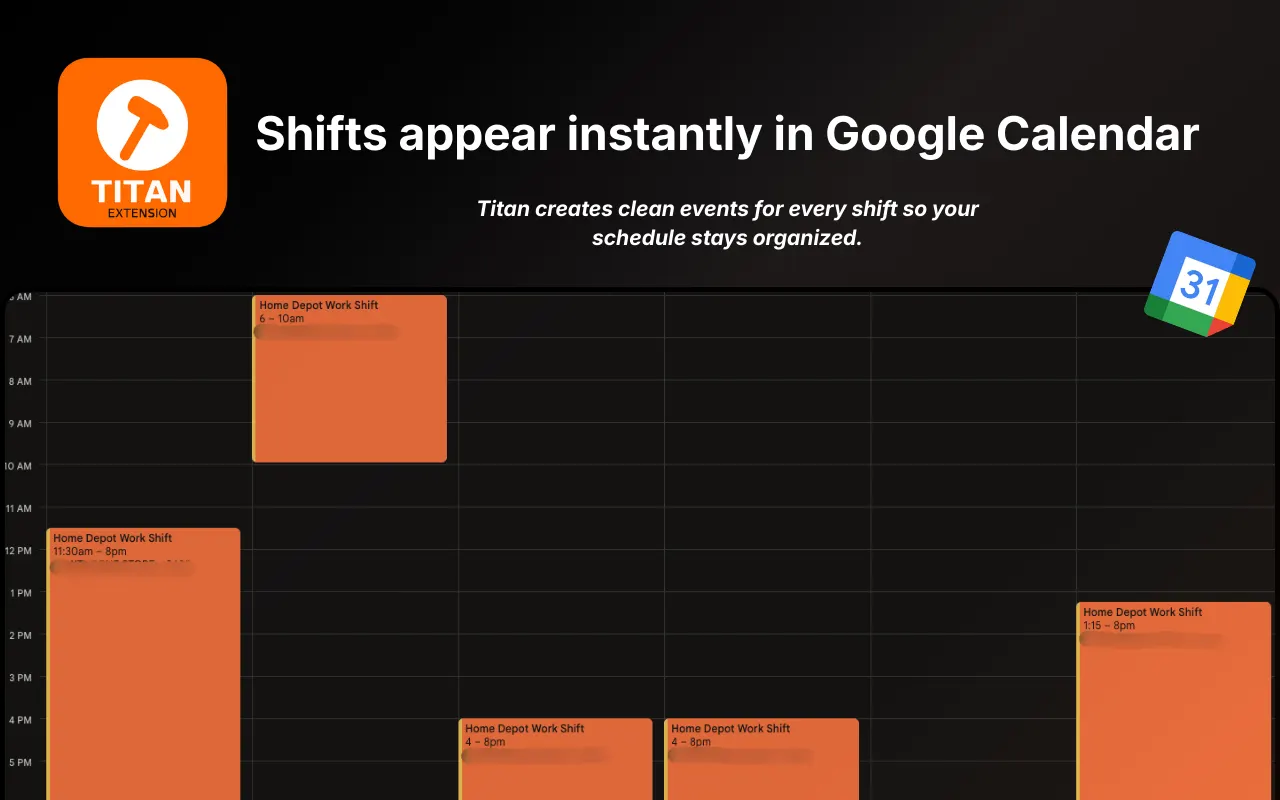
- Google Calendar sync - creates events with accurate shift times, titles, and supporting details.
- Update-aware re-syncing - recognizes existing Titan events and updates them instead of duplicating them.
- Secure OAuth integration - uses scoped Google authentication without storing user credentials.
- Flexible shift handling - supports split shifts, days off, and changing weekly schedules.
- Conflict visibility - warns users when a shift overlaps an existing calendar event before writing changes.
Extension Architecture
Titan is built on Manifest V3, using a separated architecture that keeps responsibilities clear and limits unnecessary permissions.
| Layer | Responsibility |
|---|---|
manifest.json | Defines permissions, content script injection, and extension configuration |
| Content script | Runs on the Workforce Tools page, reads schedule data from the DOM, and sends structured shift data |
| Service worker | Handles token lifecycle, messaging, and Google Calendar API requests |
| Side panel (React + TypeScript) | Provides the user interface for sync actions, settings, and status feedback |
This separation keeps the extension easier to reason about: the content script reads the page, the service worker manages API communication, and the UI gives users a clear place to control the experience.
Google Calendar Integration
Titan uses the Google Calendar REST API v3 to turn schedule data into calendar events that can be created, updated, and re-synced reliably.
Event flow:
- The content script extracts visible shifts from the Workforce Tools schedule page and converts them into a typed
Shift[]payload. - The service worker maps each shift to a Google Calendar event with timezone-aware timestamps.
- Titan checks for an existing event using a stable internal shift identifier stored in
extendedProperties.private.titanShiftId. - Based on that identifier, Titan either creates a new event or updates an existing one.
This makes syncing idempotent, meaning users can run Titan again on the same schedule without creating duplicates. That matters because retail schedules change often, and a sync tool only feels trustworthy if repeat actions stay predictable.
Browser Compatibility & OAuth
Titan was designed for Chrome and Chromium-based browsers, with the OAuth flow tailored to feel seamless inside the extension experience.
chrome.identityis used to acquire Google tokens without forcing users through a clunky manual redirect flow.- Titan requests only
https://www.googleapis.com/auth/calendar.events, keeping access limited to the minimum needed for creating and updating events. - Expired tokens are handled gracefully by clearing the cached token and retrying the request without disrupting the user.
- The companion website explains requested permissions clearly so users understand exactly what Titan can and cannot access.
Making permissions transparent was important to the product. For a tool tied to work schedules and personal calendars, trust is not a bonus feature. It is part of the core experience.
Theme System & UI
The side panel interface is built with React, TypeScript, and Tailwind CSS, with a focus on speed, clarity, and a lightweight browser-native feel.
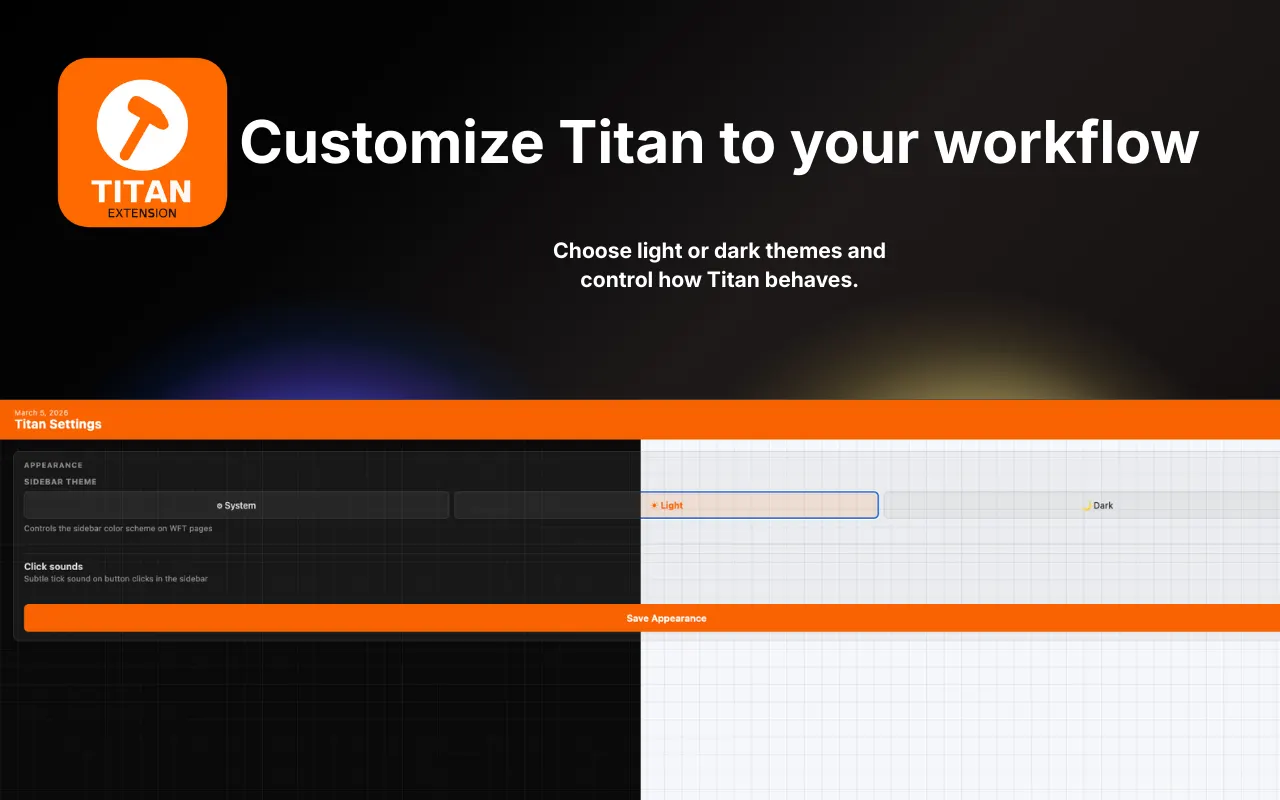
Titan includes two theme modes: Light and Dark. Theme values are managed through CSS custom properties, allowing the UI to switch appearance cleanly without rebuilding components.
The layout stays intentionally simple: a sync action, status feedback, recent activity, and settings. Motion is used sparingly to make state changes feel polished without distracting from the primary action.
The result is a utility-first interface that feels quick to understand and easy to return to.
Companion Website & SEO
The companion website at titanwft.net is built with Next.js and deployed on Vercel.
Its job is to do more than market the extension. It also helps explain the product clearly, answer trust questions, and give new users confidence before installing.
Core goals for the site:
- Explain what Titan does in a way that is immediately understandable
- Reinforce privacy and permission transparency
- Drive extension installs through a focused call to action
- Capture search traffic around schedule syncing and Workforce Tools workflows
The site is statically generated for fast load times and includes structured metadata to improve discoverability in search. Performance remained a priority because the website acts as the first product touchpoint for many users.
Analytics
PostHog is used on the companion website to understand how users move through the install funnel and which content builds the most confidence before conversion.
Tracked events include:
cta_clicked- clicks on install and download calls to actionfaq_expanded- which questions users engage with mostpage_view- high-level traffic and referrer insights
Titan does not send schedule data anywhere, and the extension itself contains no analytics tracking. All schedule parsing and event generation stay inside the user’s browser session.
These analytics helped shape the product story on the website. Users who engaged with permission and trust content were more likely to continue to installation, which reinforced how important transparency was to the overall product experience.